Jev Use Cases: 12 Real Examples From Builders on X (Twitter)
Jev, TypeSafe AI’s new decision model, returns typed answers instead of text. Here are 12 real things builders did with it on X ads, leads, SEO, agents with the time and cost each one reported.
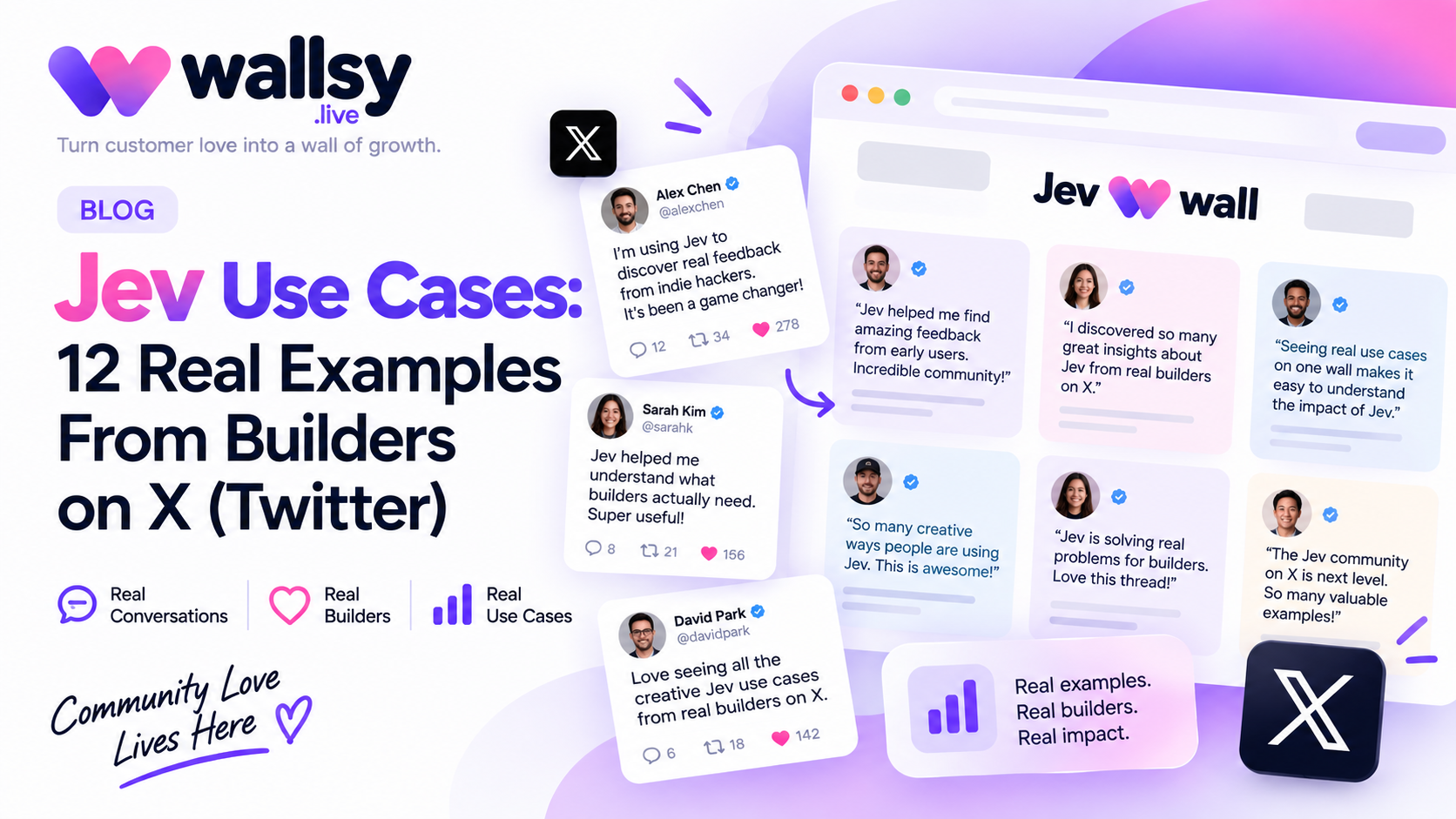
Jev is a new AI model from TypeSafe AI that doesn't write text. It makes decisions: you give it data and a set of questions, and it returns typed answers with a confidence score, in well under a second. Since early access opened in mid-September 2026, builders have been posting what they did with it on X.
We collected 12 of those posts in one place. Below is what each person built, the time and cost they reported, and a link to the original post, followed by the pattern that shows up again and again, and the limits worth knowing before you try it.
What is Jev?
Jev is the first of what TypeSafe AI calls "System One models", named after the fast, intuitive "System 1" thinking described by Daniel Kahneman. TypeSafe describes it as "unstructured state in, typed probabilistic decisions out".
Instead of generating a paragraph, Jev answers questions you define in advance. According to TypeSafe and independent coverage:
- Three kinds of question: a Choice (pick from options you list, up to 255), a Score (rate against ordered levels) and a yes/no probability.
- Answers always fit your schema. Jev can't return a value you didn't allow. It can still be wrong, but it can't make a type error.
- Speed: TypeSafe reports 70–500 ms end to end, and says Jev is 40–200× faster than frontier LLMs on comparable tasks.
- Price: $0.042 per million input tokens; output is free.
- Availability: limited early access, with developers let in from a waitlist.
TypeSafe AI is a San Francisco company founded in 2024 by Diogo Almeida, Erik Gafni and Sasha Sheng. It announced Jev on 15–16 September 2026 alongside a $40 million seed round led by DCVC.
12 real Jev use cases at a glance
Every figure below is what the person reported in their own post. We haven't reproduced these results.
| # | Use case | Posted by | What Jev did | Reported time | Reported cost |
|---|---|---|---|---|---|
| 1 | Ad library breakdown | Matthew Berman | Analysed 724 live ads from 37 brands: hook, format, offer, CTA, awareness stage, landing-page mismatch | 40 s | $0.09 |
| 2 | Competitor ad classification | liam. | Tagged 1,891 competitor ads by funnel stage, creative style and copy angle | 19 s | — |
| 3 | Marketing workflows | Dmitry Korzhov | Seven workflows, from ad-library scans to lead scoring | — | "< $3" per workflow |
| 4 | Outreach performance prediction | Romàn | Predicted how 700 personalised messages would perform, with confidence scores | 40 s | $0.09 |
| 5 | Intent signals behind booked demos | Pierre-Eliott Lallemant | Found which signals in thousands of outreach messages led to demos | 40 s | < $0.20 |
| 6 | Internal-linking audit | borja | Read 586 pages, placed 584 internal links, refused 139 | 45.1 s | $0.21 |
| 7 | SEO/GEO audit agents | Ira Bodnar | Sped up data reads, citation scans and fixes across large sites | "30× faster" steps | ~90% cheaper |
| 8 | Search-query intent classification | 平大志朗 (taira_daishiro) | Sorted search queries from BigQuery by intent; unsure cases went to an LLM | — | — |
| 9 | Browser agent | Gregor Zunic (Browser Use) | Searched for flights in an open-source browser agent | 7 s | $0.0039 |
| 10 | Agent decision step | PEEP | Scored the context before an LLM wrote the command | 231 ms end to end | — |
| 11 | Real-time virtual try-on | Nailthy Tang | Picked outfits from a closet while the user talked | ~620 ms per decision | $0.0011 per decision |
| 12 | First-pass filter before Claude | kiosa | Filtered everything cheaply so only hard cases reached Claude | — | — |
Marketing and advertising
1. Breaking down 724 live ads in 40 seconds
Matthew Berman gave Jev 724 live ads from 37 brands. In 40 seconds it labelled every hook, format, offer, call to action and awareness stage, and flagged landing pages that didn't match the ad, for 9 cents of tokens. He says it will be available in Steal Ads. See the post
2. Classifying a competitor's ad library
liam. (posting in Spanish) fed a competitor's ad library to Jev. In 19 seconds it classified 1,891 ads by funnel stage, creative style and copy angle, plus an overview of what the account invests in, what it repeats and where it has gaps. See the post
3. Seven marketing workflows for under $3
Dmitry Korzhov listed seven workflows he says Jev speeds up about 30× for under $3 each:
- scan the Meta Ad Library and tag every ad by hook, format, offer and days running;
- find which formats are still live after 60 days;
- score briefs before you shoot them (an LLM writes the briefs, Jev scores them);
- sort search terms by whether the query comes from a buyer;
- catch ad fatigue early and decide to replace, refresh or leave;
- check whether the landing page delivers what the ad promised;
- score every lead from 0 to 100 against your ideal customer.
Sales and outreach
4. Predicting how 700 outreach messages will perform
Romàn gave Jev 700 high-intent leads and their personalised messages. In 40 seconds it predicted how each message would perform, gave a confidence score and caught mismatches between lead and message, for $0.09. The post says this is coming to Gojiberry AI. See the post
5. Finding the intent signals behind booked demos
Pierre-Eliott Lallemant asked Jev which intent signals in thousands of outreach messages led to the most booked demos. The answer came back in 40 seconds and cost less than $0.20. See the post
SEO and search
6. An internal-linking audit of 586 pages for $0.21
This is the most detailed comparison we found. borja had Jev read all 586 pages of a site and rebuild the internal link map in 45.1 seconds: 584 links placed, and 139 pages left unlinked "because nothing honestly fit". It cost $0.21. In the same time, Claude Opus 5 got through 21 pages and spent $1.43, about 190× more per page.
borja's explanation of why it works is the clearest summary of Jev we've seen: internal linking "is not writing", it's thousands of yes/no calls (does this page have a real reason to link to that one?), which is a classification problem. See the post
7. Cutting the cost of SEO/GEO audits by about 90%
Ira Bodnar says agents that audit and fix a client's SEO and GEO (visibility in AI search) used to cost about $250 per run, and Jev cut that by about 90%. The savings came from steps that got roughly 30× faster: reading Search Console and analytics data, checking what ChatGPT searches on Bing, scanning who ChatGPT and Claude cite, and running gap analysis and fixes across thousands of pages. See the post
8. Classifying search queries by intent
平大志朗 (posting in Japanese) pulled search queries from BigQuery and had Jev sort them into informational, comparison, purchase/sign-up and navigational intent. Queries Jev couldn't decide on went to an LLM (GPT-5.6 Luna). The result is search traffic grouped by intent that can be tracked over time. See the post
AI agents and automation
9. A browser agent that finds flights in 7 seconds
Gregor Zunic of Browser Use built a small open-source browser agent with Jev choosing the next action at each step and a small LLM filling in text. Finding flights took 7 seconds and cost $0.0039, and the video in the post runs at real speed. See the post
10. Keeping an agent safe between "decide" and "execute"
PEEP described an agent turn in three parts: Jev scores the context, Opus 5.5 writes the command, and a harness runs it, in 231 ms end to end. The post's real point is about safety. Command gates allow read-only commands, ask a human before anything that changes what's live (publishing a package, pushing an image), and deny risky ones outright, such as piping a download into a shell or reading secrets. See the post
Real-time apps
11. Real-time virtual try-on
Nailthy Tang built an experiment for Drape with TypeSafe: while you talk, Jev reads the transcript and what you're wearing, picks something from your closet and changes the outfit in real time. Each decision took about 620 ms and cost $0.0011. See the post
Data pipelines
12. A cheap first pass before an expensive model
kiosa described a setup where Jev runs a cheap first pass over everything and only the hard cases go to Claude: "everything → Jev filters → hard stuff → Claude thinks." The post credits this to a Stanford research group processing 100+ billion data points every 15 minutes, but doesn't name the group or link a source, so treat that figure as unverified. The pattern itself is the useful part. See the post
The pattern: Jev decides, an LLM writes
Four of these twelve posts use the same design (#3, #8, #10 and #12). Jev handles the high-volume, structured decisions (classify, score, filter, route), and a language model only gets the cases that need reasoning or writing.
That matches what Jev is built for. The tasks that saved the most time and money here are all classification at scale: labelling ads, scoring leads, deciding whether two pages should link. As borja put it, these jobs aren't writing. If a step in your workflow is a question with a fixed set of answers, it's a candidate for Jev; if it needs a paragraph back, it isn't.
Where Jev isn't the right tool
- It doesn't write. TypeSafe says Jev "gives up string generation". Emails, summaries and code still need an LLM.
- Answers are limited to what you define. A Choice question supports up to 255 options.
- The numbers are self-reported. TypeSafe's own speed and price claims come from its evaluations, and it acknowledges possible bias and that its biggest gains are "the high end of real-world results". The figures in this post are what each person posted, not independent benchmarks.
- "Can't hallucinate" has a narrow meaning. It means Jev can't return something outside your schema. It can still pick the wrong option, as The Register pointed out.
- Some posters are early partners. Several posts mention a product the feature is "coming soon" to, or say it was built with TypeSafe. That doesn't make them wrong, but it's worth knowing.
- Access is limited. Jev is in early access, so you may need to join the waitlist first.
FAQ
What is Jev?
Jev is an AI model from TypeSafe AI that returns typed decisions with confidence scores instead of text. You define questions (a choice, a score or a yes/no), send it data, and get structured answers back in about 70–500 ms, according to TypeSafe.
Is Jev an LLM?
No. A large language model generates text one token at a time. Jev is what TypeSafe calls a System One model: it only returns answers of the types you defined in advance, which is why it's much faster and cheaper for decision tasks, and why it can't write.
How much does Jev cost?
TypeSafe lists $0.042 per million input tokens, with free output. In the posts above, individual jobs cost between $0.0011 per decision and about $0.21 for a 586-page site audit.
What is Jev good at?
High-volume decisions with a fixed set of answers: classifying ads or queries, scoring leads, routing requests, filtering data before an LLM, and choosing the next action in an agent.
How can I try Jev?
Jev is in limited early access. You can join the waitlist on TypeSafe AI's website.
See every post in one place
We keep all of these posts, and new ones as they appear, on one page: the Jev Wall of Love. Each card shows the full post with its images, likes and replies, and links back to X.
We built that page with Wallsy, a tool for collecting testimonials and showing them on your website. On the Pro plan you can import a public post from X by pasting its link, and it appears on your Wall of Love and website widgets straight away. If people are posting about your product, that's the quickest way to show it.
How we collected these: we searched public posts on X about Jev from its first two weeks, kept those that describe a concrete task with a result, and summarised each in our own words with a link to the original. Posts in Spanish and Japanese are translated. We're not affiliated with TypeSafe AI.
Sources
- TypeSafe AI — Introducing System One Models & Jev
- Wikipedia — Jev (AI model)
- The Register — TypeSafe AI debuts model for machines that plays Doom (16 September 2026)
- The 12 posts on X, linked in each section above
Thanks for reading
If this helped, pass it to someone who's been meaning to collect testimonials. And when you're ready, Wallsy gives you one link to start — free for up to 4 published testimonials.